Try Tiny Desk AI
Create Your Video

AI Band Video Generator

Make Your Own Tiny Desk AI Band Video

Upload 1–5 photos, assign each person to a singer or musician, and create a Tiny Desk-style AI performance with sound. Choose a viral-inspired reference video or create your own band.

  • 10 or 15-second video
  • 9:16 or 16:9 format
  • Music included
  • Credits shown before you generate

Our sessions are 10 or 15 seconds. They do not reproduce the full 19-second viral edit. AI likeness and movement may vary.

AI concept

MAKE A LITTLE DESK MAGIC

Your band. Your moment.

Pick a performance, add your people, and make the stage your own.

Review before uploading to generate

Choose Your Performance

1

Upload Photos

Choose how many people to replace, then add one photo for each displayed template role.

Photos: 4

People to replace

1

Lead Vocal

Reference
2

Saxophone

Reference
3

Keyboard

Reference
4

Female Backing Vocal

Reference

JPG, PNG or WebP | Up to 10 MB each | 20 MB combined

Soul and Coaches request original adult characters for roles without a photo. This behavior is not yet verified in public input/output examples; cast details may vary.

2

Set the mood

Choose portrait or landscape. Reference sessions retain template audio. Create Your Band offers 10 or 15 seconds with original AI-generated music.

Duration10 secondsFrom template
AudioOriginal template audio
YOUR STAGEOriginal audio9:16
Original template

Choose Your Performance

Replace a cast or create your band.
The setlistApproximate cuts

Duration follows the selected template. The final video retains its original soundtrack; generated faces, motion and framing can vary.

Compare Tiny Desk AI Templates

Compare Tiny Desk AI Templates
FeatureSoul SessionCoaches SessionCreate Your Band
Duration10s15s10s / 15s
Cast members1–4 people1–5 people1–5 people
AudioTemplate audioTemplate audioAI-generated music
Video typeCast replacementCast replacementNew performance generation
Price100 credits150 credits100 / 150 credits

Tiny Desk AI — Product Facts

Input
1–5 photos
Output
10s / 15s MP4 with audio
Modes
Cast replacement / New AI band
Format
9:16 portrait / 16:9 landscape
Pricing
From $4.99 · No subscription
Difference
Direct photo-to-performer mapping, up to 5 people

USE CASES

Explore Tiny Desk AI Trends & Ideas

One Tiny Desk Style. Many Ways to Play.

From the viral Outstanding Tiny Desk AI trend to funny band videos with friends, explore different ways to turn your photos into AI-generated music performances.

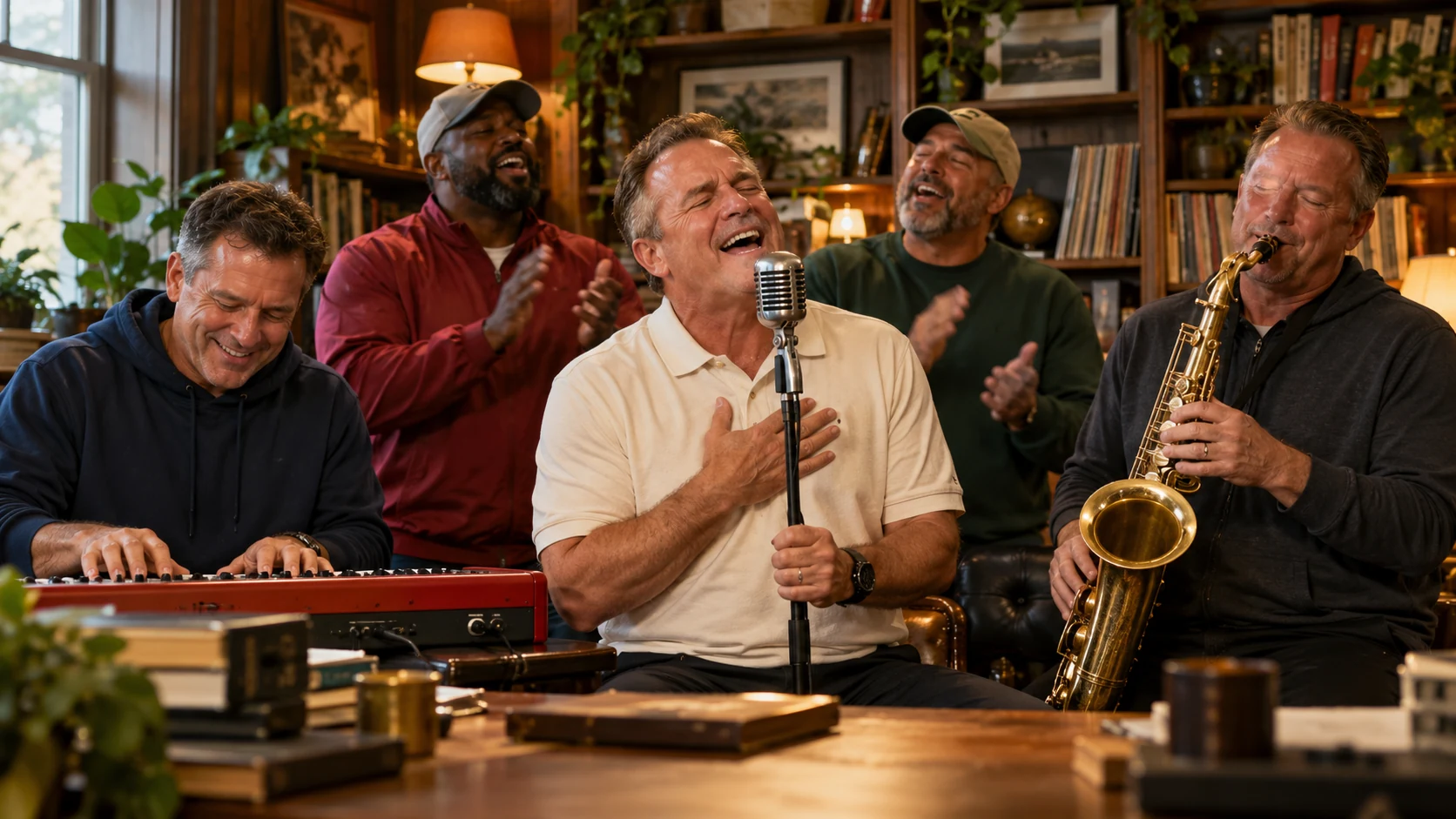
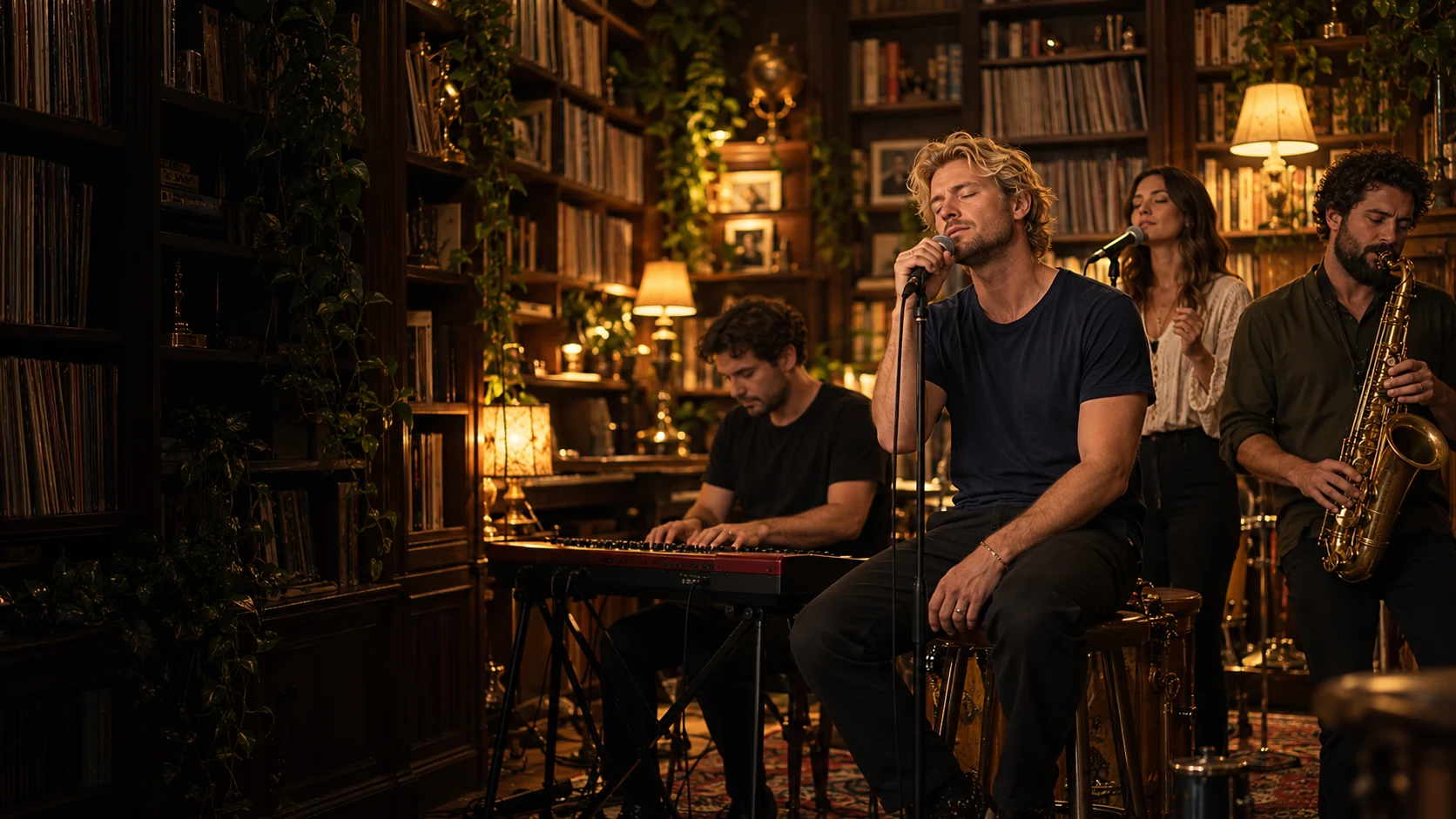
AI concept artwork of a fictional singer performing in a warm vintage studioAI concept
01Trending

Outstanding Tiny Desk AI

Make a Shorter, Viral-Inspired Version

Try the desk-side band format with your own photos. Soul Session is 10 seconds; Coaches Session is 15 seconds. Neither reproduces the complete 19-second viral edit.

Best for:
Fans of viral AI videos and music memes
Photo setup:
Choose a supported band configuration
Style:
Cozy studio, live-band atmosphere, playful performance

Use the generator above to choose a session and assign photos. This idea card has no separate shortcut.
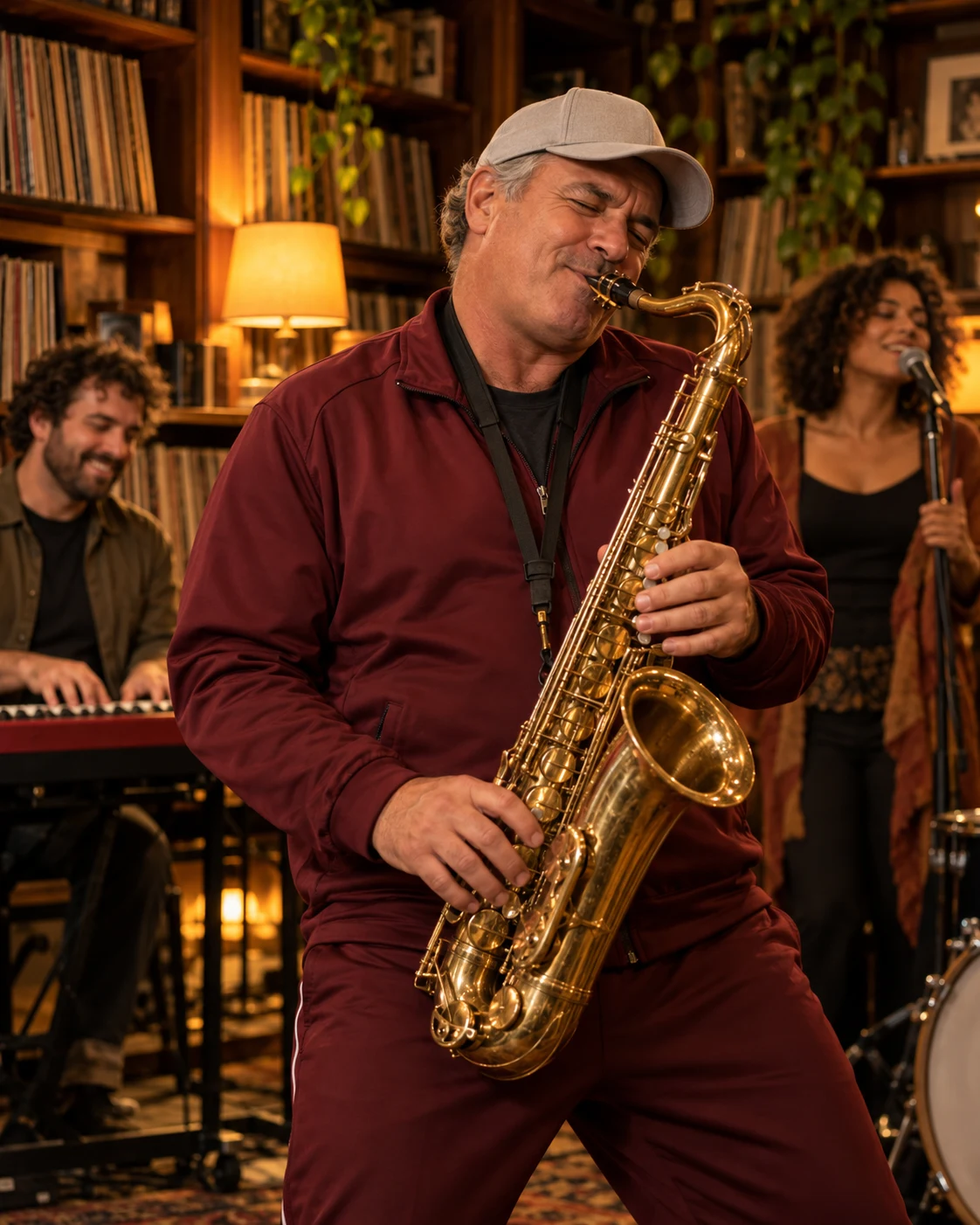
AI concept artwork of a fictional coach in an unbranded tracksuit playing saxophoneAI concept
02Sports Meme

All-Loss Coaches

Turn Game-Day Disappointment Into a Band Moment

The Coaches Session is available as a 15-second reference mode in the generator above. This illustrated idea card describes the sports-parody theme; it is not a separate generation tool.

Best for:
College football fans and sports meme creators
Photo setup:
Use photos you have permission to use
Style:
Sports parody meets an intimate music session

Use the generator above to choose a session and assign photos. This idea card has no separate shortcut.

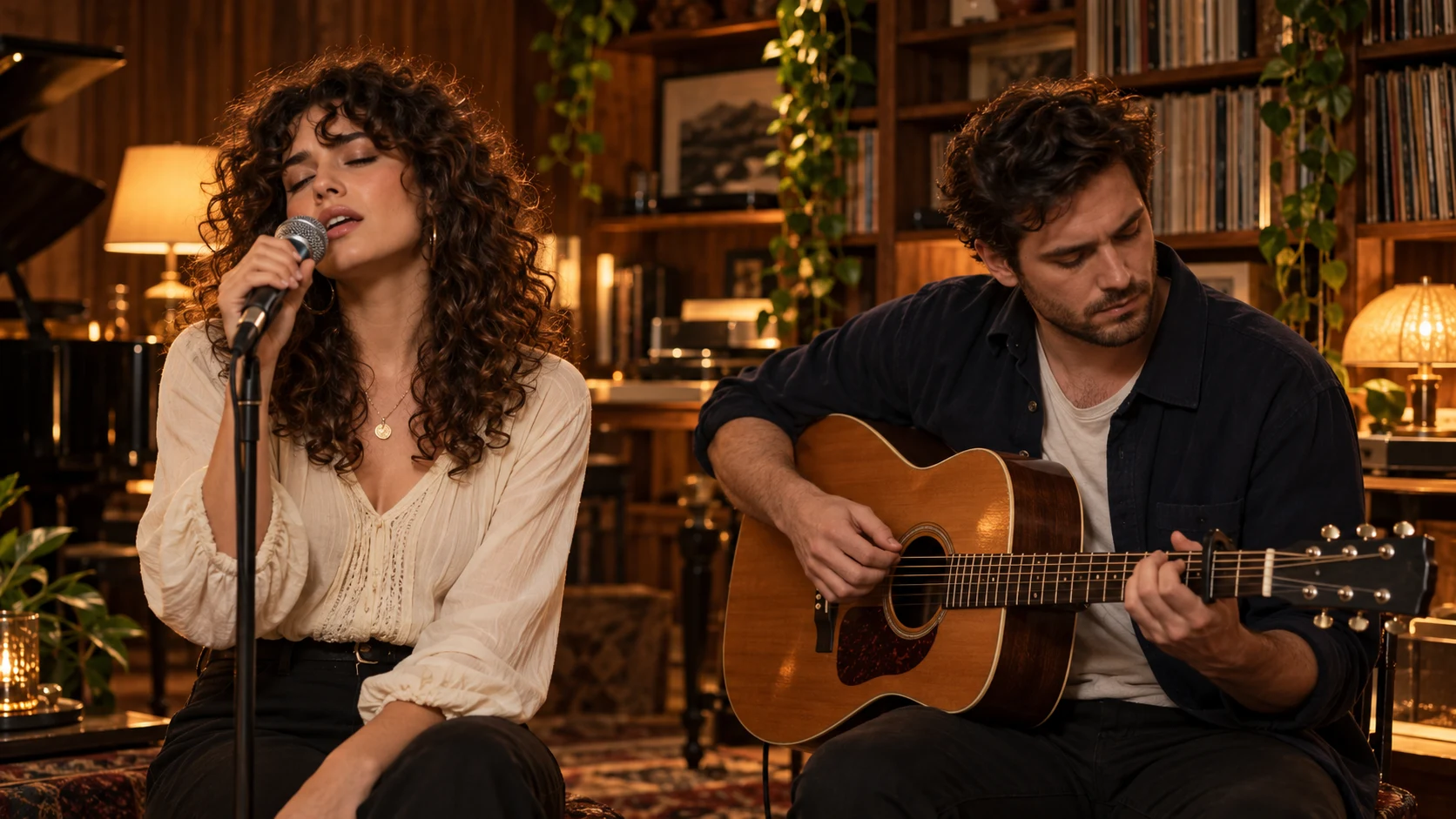
AI concept artwork of two fictional friends singing and playing guitar togetherAI concept
03Social & Friends

Friends & Group Performances

Make Your Friends the Band

Make a friends band video with a shared AI performance. Assign different people to different roles and create a video that is personal, funny, and ready to share.

Best for:
Friend groups, inside jokes, and social posts
Photo setup:
Use a supported multi-person configuration
Style:
Collaborative band performance

Use the generator above to choose a session and assign photos. This idea card has no separate shortcut.

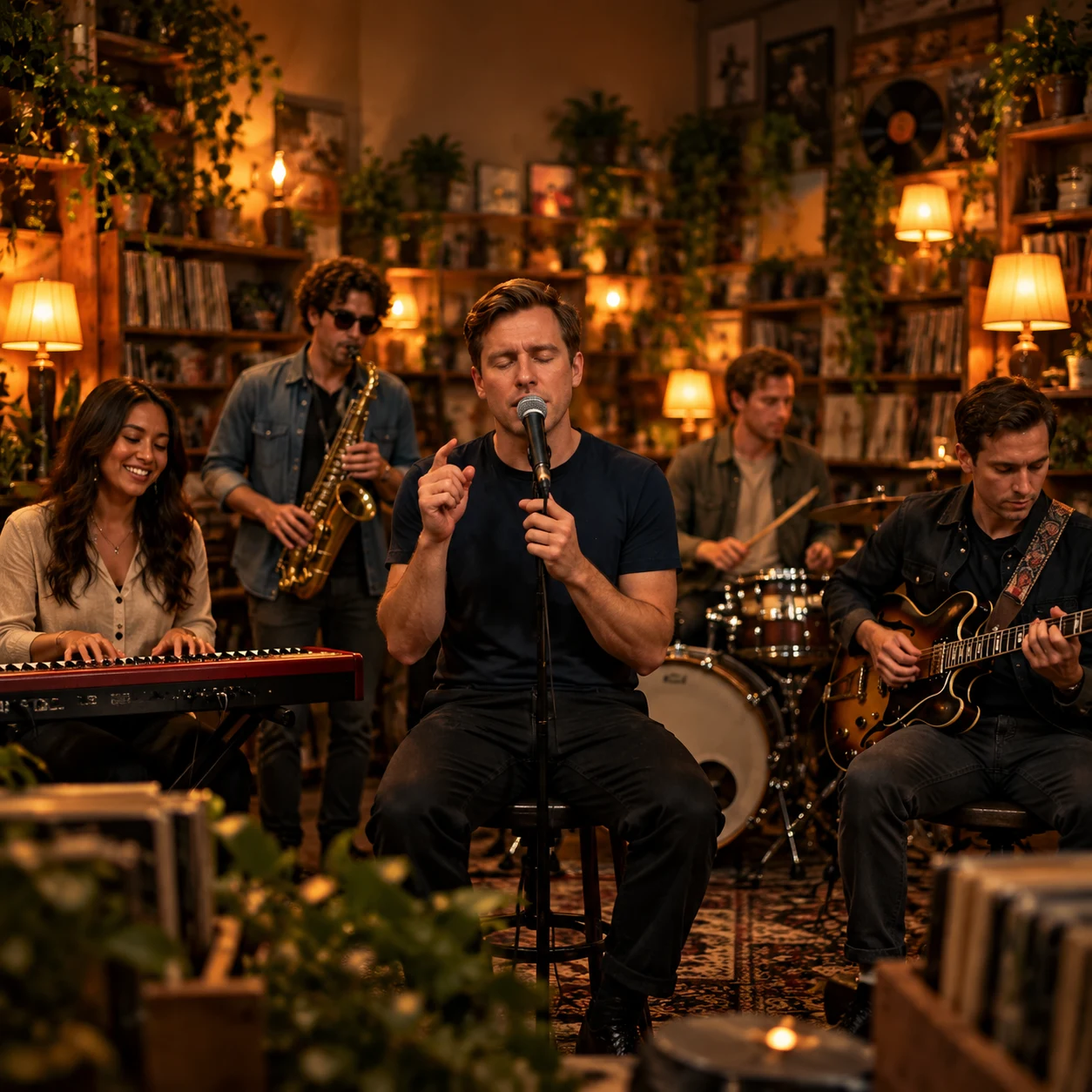
AI concept artwork of a fictional four-person band in a record-filled music roomAI concept
04Custom

Your Own AI Band

Make a Performance That's Uniquely Yours

You don't need to follow a specific meme to plan a funny AI concert video. Choose your band setup, assign available roles, and turn your photos into a Tiny Desk-style AI concert.

Best for:
Creators, music fans, and anyone with a fun idea
Photo setup:
Solo, Duo, or another supported configuration
Style:
A personalized performance in a warm, intimate studio setting
Build Your Band

Choose a lineup to open Create Your Band and make a new performance with your uploaded cast.

Find Your Next Video Idea

Choose a trend or create your own scenario. Upload your photos, select your band roles, and make a Tiny Desk-style AI performance your own.

Create Your Video

Outstanding Tiny Desk AI videos are AI-generated interpretations, not official NPR Tiny Desk performances. Use photos you have permission to use. Actual results depend on the selected setup and generation process. Images shown here are concept artwork, not verified video results.

HOW IT WORKS

How to Make a Tiny Desk AI Video

From Your Photos to an AI Band Performance in a Few Steps

Upload your photos, choose your band setup, and review your settings. Prepare a cozy, live-performance style video inspired by the Tiny Desk vibe.

  1. 01

    Upload Your Photos

    Start with clear photos of yourself or your band members.

    Upload Photos
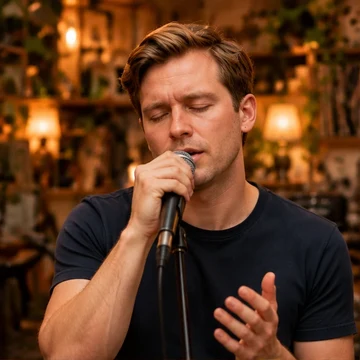
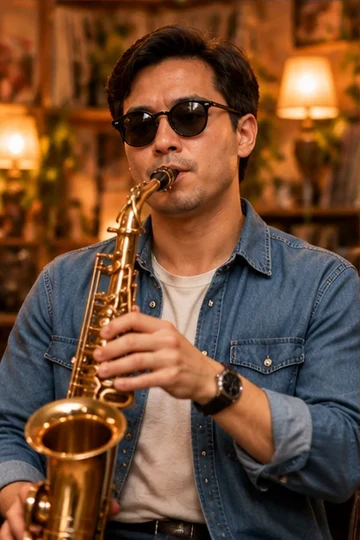
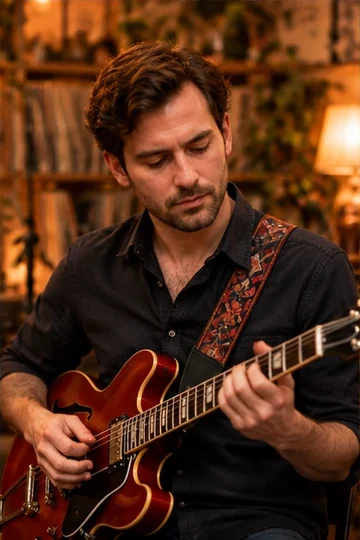
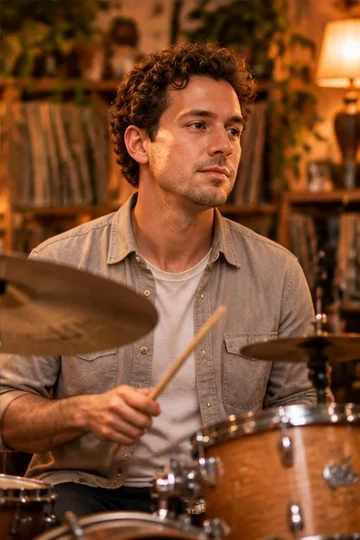
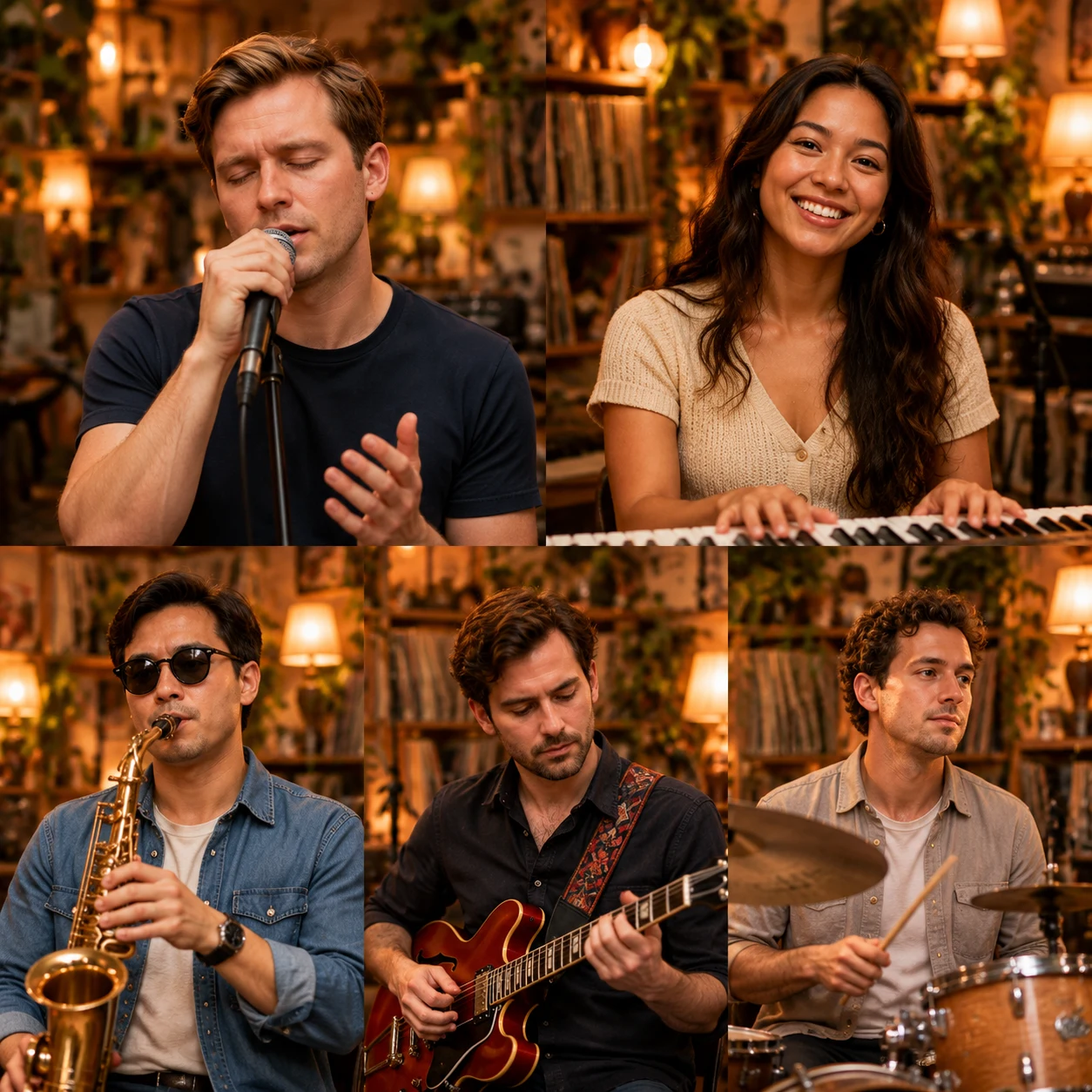
    Example portrait 1Example portrait 2Example portrait 3Example portrait 4

    Workflow illustration

    Go to Upload

    Use clear, front-facing photos you have permission to use.

    Upload photos for your selected setup. Use clear, front-facing photos you have permission to use, and check that each face is visible.

  2. 02

    Choose Band Roles

    Decide who performs and which roles they play.

    Choose Your Setup
    SoloDuoBandFull Band
    Lead Vocal
    Lead Vocal
    Keyboard
    Keyboard
    Saxophone
    Saxophone
    Guitar
    Guitar
    Drums
    Drums

    Workflow illustration

    Assign Band Roles

    In the generator, choose a reference session and match each uploaded photo to one supported cast role.

  3. 03

    Review Settings

    Know what you're planning before you spend credits.

    Video Settings
    Choose Your Setup
    Solo
    Output duration
    10 or 15-second video
    Output format
    9:16 or 16:9 format
    Audio
    AI audio direction
    Credits
    10s: 100 credits / 15s: 150 credits
    Review My Lineup

    Review your cast, duration and framing. Reference sessions use template audio. Create Your Band offers 10 or 15 seconds in portrait or landscape with original AI-generated music.

  4. 04

    Generate Video

    Submit your confirmed setup and follow the real task status.

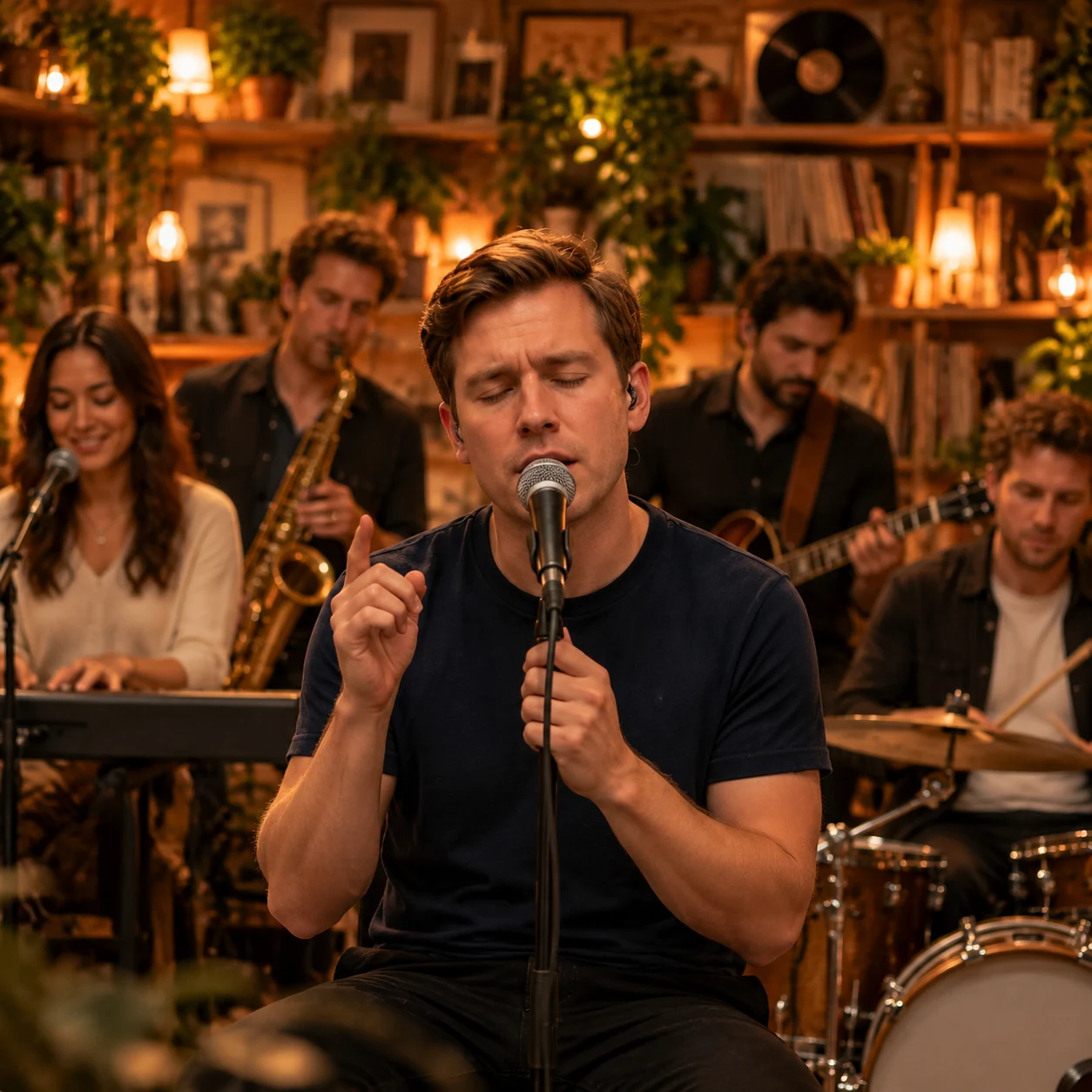
    Illustrative band performance in a warm vintage record-filled studio
    Workflow illustration
    Preview
    Generation preview

    Illustration only. No active generation.

    Workflow illustration

    Follow live status in the generator

    Follow the estimated percentage and each confirmed step, from photo preparation to your finished video. Accepted tasks continue in the background; check My Videos any time.

  5. 05

    Review & Download

    Check your result before sharing it.

    Illustrative preview of a singer and band in an intimate music studio
    Workflow illustration

    Preview and download your actual completed video in the generator or My Videos. This tutorial image is illustrative.

    Check faces, assigned cast roles, instrument movements and audio before sharing. Download the actual completed result in the generator or My Tiny Desk Videos.

The five cards illustrate the workflow. They are not generated input/output evidence. Actual results and download links appear in the generator after a task succeeds.

READY TO CREATE?

Make Your Own Tiny Desk AI Video

Follow the steps, choose your band setup, and prepare your photos for a personalized AI music performance.

Start Creating

QUALITY & DIFFERENTIATION

What to Check in Your Tiny Desk AI Video

Review Faces, Performance and Sound

Use this checklist to review a completed video. The illustrations explain what to examine; they do not prove generation quality.

Illustrative stills show what to review. Check your generated video for actual motion and audio.

01

Check Faces Across Shots

Keep Each Performer Recognizable

Check facial features, hairstyles, and overall identity across different shots. An AI face consistency video should let you compare the same person throughout the actual performance.

Example Photo
Performance Angles
Close-up
Mid Shot
Side Angle

AI-created illustration · Still image

02

Review Band Movement

Make the Music Feel More Believable

A realistic AI band video needs more than convincing portraits. Check hand positions, microphone interactions, instrument movements, and body gestures in the actual video.

Keyboard

Check fingers, keys, and hand contact.

Guitar

Check grip, strumming, and instrument shape.

Saxophone

Check hands, mouthpiece, and body movement.

AI-created illustration · Still image

03

Listen and Check Timing

Bring Visuals and Sound Together

Review visible timing issues, unnatural mouth movements, or noticeable mismatches between the performance and sound. A still image cannot demonstrate audio synchronization.

  • Check visible lip movement
  • Listen for timing mismatches
  • Compare gestures with the sound

AI-created illustration · Still image

04

Review Before You Share

Know What to Check in Your Result

Before downloading a generated video, review the faces, assigned band roles, instrument movements, and audio. Only use retry or download options that are actually available.

  • Recognizable faces
  • Correct band roles
  • Natural instrument movement
  • Audio and timing

Technical task failures return the charged credits automatically. A completed result you dislike is not a technical failure. Each new attempt costs 100 credits for 10 seconds or 150 credits for 15 seconds.

Edit Photos & Roles

AI-created illustration · Still image

Quality at a Glance

What to examine, and what is available in this preview.

Face ConsistencyNot yet verified
Natural MotionNot yet verified
Lip-Sync & AudioNot yet verified
Review & ReconfigureLineup editing available

Review Your Photos and Roles

Start by checking your photo and role setup. Actual generated comparisons will be added once they have been verified.

Test Your Photo
See ExamplesGeneration & Retry FAQ

Pricing

Tiny Desk AI Video Pricing & Credit Packs

Buy credits once for reference cast replacement or Create Your Band. Compare pack totals, duration costs and what each mode includes before checkout.

Pay once. No subscription.
First Try

Starter

Your first moment in the spotlight. Try the trend with your favorite face.

$4.99one-time

1 × 10s video

100 credits: one 10-second video

Every pack includes

  • Supported cast size does not change the duration-based cost
  • 10-second video / 9:16 or 16:9
  • Download MP4 with performance audio
  • Technical failures automatically restore credits
Full Band Pack

Group

Bring your friends, swap the cast, and give everyone a turn on stage.

$19.99one-time

Up to 8 × 10s or 5 × 15s videos

800 credits: 100 per 10s / 150 per 15s

Every pack includes

  • Supported cast size does not change the duration-based cost
  • 10 or 15-second video / 9:16 or 16:9
  • Download MP4 with performance audio
  • Technical failures automatically restore credits
Pay once. No subscription.Credits back for technical failuresSecure checkout

USD prices before applicable tax. Technical generation failures restore charged credits. Completed results are not automatically refunded. Output likeness, motion and framing can vary. Reference sessions retain the selected template audio. Create Your Band uses AI-generated music.

View pricing details & FAQs

Frequently Asked Questions

Got Questions?

Everything You Need to Know About Tiny Desk AI

Have questions about the Tiny Desk AI generator? Find answers about creating your video, uploading photos, audio, credits, and privacy.

Getting Started

Learn the basics of the Tiny Desk AI generator.

What is a Tiny Desk AI generator?

Tiny Desk AI turns your photos into a short band performance. Replace cast members in Soul Session or The Coaches Session, or choose Create Your Band to generate a new scene with a Solo, Duo, Band or Full Band lineup.

How do I make an Outstanding Tiny Desk AI video?

Choose a performance, add your photos and review the photo-to-role mapping. Sign in, confirm permission and the charge: 100 credits for 10 seconds or 150 credits for 15 seconds. Preview and download the actual result when ready.

How many photos do I need to upload?

Soul Session supports one to 4 replacement photos and Coaches Session one to 5. Create Your Band uses one photo per performer: Solo 1, Duo 2, Band 3–4, Full Band 4–5.

Can I choose who sings and who plays each instrument?

Yes. Place each photo above the performer you want to replace. Soul Session offers lead vocal, saxophone, keyboard and the female backing singer; the Coaches Session uses its own cast positions. Review the assignments before confirming.

Photos, Privacy & Usage

Photo permissions, private storage and deletion requests.

Can I upload photos of my friends?

Only use photos of adults you have permission to include in an AI-created performance. Get agreement from the people pictured. Do not use the experience to mislead, impersonate or harass someone.

Are my uploaded photos stored, and can I delete them?

Before confirmation your photos are previewed locally. When you generate, the selected photos are submitted to Replicate and saved with task settings in private storage. Videos are also private. There is currently no promised automatic deletion interval or self-service deletion; request deletion through Contact. See the Privacy Policy for provider retention details.

Can I share my generated video on social media?

Share the downloaded result according to the Terms and platform rules. You need the necessary rights to photos, templates and music. Label AI-created scenes so they are not mistaken for real performances.

Pricing & Generation

Understand credits and generation availability.

Is the Tiny Desk AI generator free?

There is no free generation tier. A 10-second video costs 100 credits; a 15-second video costs 150 credits. One-time packs: $4.99 for 100 credits (up to 1 ten-second video); $9.99 for 300 credits (up to 3 ten-second videos); $19.99 for 800 credits (up to 8 ten-second videos). Starter includes one 10-second video. Prices are before checkout tax.

How many credits does it cost to generate a video?

Soul Session is 10 seconds, Coaches Session 15 seconds, and Create Your Band offers 10 or 15 seconds in portrait or landscape. A 10-second video costs 100 credits and a 15-second video costs 150 credits, regardless of the number of supported performers.

What happens if my video generation fails?

If a generation task technically fails, its charged credits are returned automatically. If a completed result does not meet your expectations, a new generation is a separate paid attempt. Check My Videos before resubmitting after a connection error.

Video & Audio

Learn about audio direction and generated content.

Does the generated Tiny Desk AI video include sound?

Reference sessions retain the selected template audio. Create Your Band uses AI-generated music.

Does it use the original song "Outstanding"?

Soul and Coaches keep the audio embedded in their selected template. Create Your Band uses original AI-generated music. This does not supply a separate music license or promise a particular commercial recording.

Is this an official NPR Tiny Desk product?

No. This is an independent AI creation experience inspired by an intimate desk-side music performance style. It is not affiliated with NPR, Tiny Desk or any artist, and should not be presented as an official performance or endorsement.

STAY UP TO DATE

Tiny Desk AI guides

Tiny Desk AI guides, photo-to-video tips and AI band video ideas. Learn to prepare portraits, choose band roles, and create music videos for social sharing.

View all posts

Ready to Create Your Tiny Desk AI Video?

Upload your photos, choose your setup, and prepare your own AI band performance.

Create Your Video